Employees
The Employees module is an internal directory of all staff members in your organisation. All system users created by an administrator are automatically listed as employees. You can also add employees who are not system users — for example, staff who need to appear in the directory but do not have a SuiteCRM login.
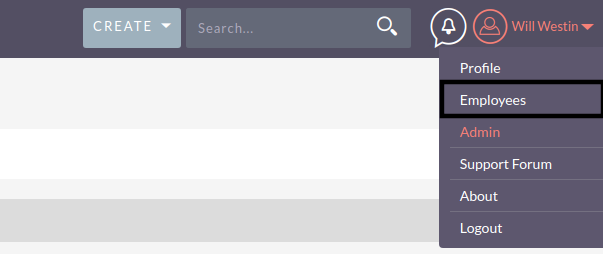
You can access the Employees module from the user menu in the top-right corner of the navigation bar.
Key Fields
-
First Name / Last Name: the employee’s name.
-
Title: the employee’s job title.
-
Department: the team or department the employee belongs to.
-
Email Address: the employee’s work email address.
-
Phone: office, mobile or other contact numbers.
-
Reports To: links to another employee record to model the reporting hierarchy.
Finding Employees
Use the search bar in the Employees List View to find staff by name, title, department or other fields. You can use the Advanced Search for more precise filtering.
For standard record operations including searching, editing and exporting, see Record Management.